What Is?
USB (Universal Serial Bus) is the industry standard for connecting devices such as keyboards, mice, printers, flash drives, external disks and phones to a computer. A single USB cable carries both data and power, which is why the same port can transfer files and charge a device at the same time.
USB was developed in 1995 by a group of seven companies (Compaq, DEC, IBM, Intel, Microsoft, NEC and Nortel) and the first version USB 1.0, was released in January 1996. It replaced the many different ports of that time (serial, parallel, PS/2, game port) with one simple, hot-pluggable connector. Today the standard is maintained by the USB Implementers Forum (USB-IF).
Every new version made USB faster. From 12 Mbps in USB 1.1 to 80 Gbps in USB4 Version 2.0. The version names became confusing over the years (USB 3.0 was renamed USB 3.1 Gen 1 and then USB 3.2 Gen 1), so the USB-IF now labels products simply by their speed, such as USB 5Gbps, USB 10Gbps or USB 40Gbps. The reversible USB-C connector (introduced in 2014) is the only connector used by the newest versions and is also used by Thunderbolt 3 and later.
USB Versions
| Year | Version | Other Names | Speed | Logo Name | Connector |
|---|---|---|---|---|---|
| 2022 | USB4 Version 2.0 | USB4 Gen 4 | 80 Gbps (asymmetric 120 Gbps) |
USB 80Gbps | USB-C |
| 2019 | USB4 | USB4 Gen 3×2 USB4 Gen 2×2 |
40 Gbps 20 Gbps |
USB 40Gbps USB 20Gbps |
|
| 2017 | USB 3.2 | USB 3.2 Gen 2×2 SuperSpeed USB 20Gbps |
20 Gbps | USB 20Gbps | |
| 2013 | USB 3.1 | USB 3.1 Gen 2 USB 3.2 Gen 2 SuperSpeed+ |
10 Gbps | USB 10Gbps | Type-A, Type-B, Micro, USB-C |
| 2008 | USB 3.0 | USB 3.1 Gen 1 USB 3.2 Gen 1 SuperSpeed |
5 Gbps | USB 5Gbps | |
| 2000 | USB 2.0 | High Speed | 480 Mbps | High-Speed USB | Type-A, Type-B, Mini, Micro, USB-C |
| 1998 | USB 1.1 | Full Speed Low Speed |
12 Mbps 1.5 Mbps |
Basic-Speed USB | Type-A, Type-B |
| 1996 | USB 1.0 |
Every USB version is backward compatible. A USB 2.0 device can work on a USB 3.2 or USB4 port, but the connection will be at the speed of the slowest side (device, port, or cable).
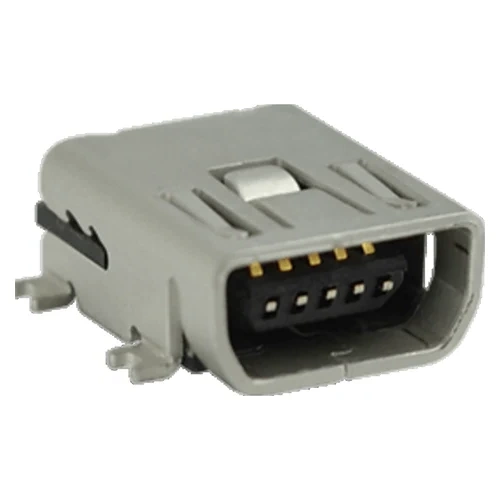
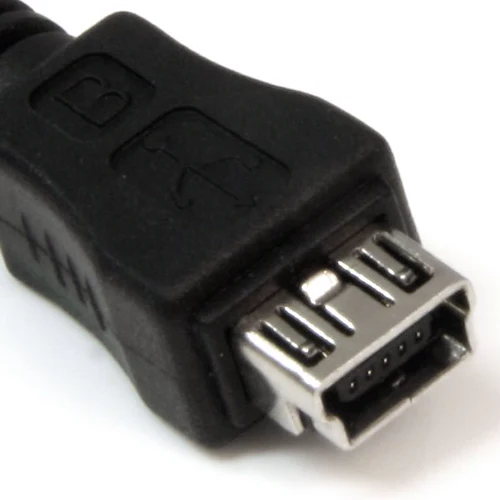
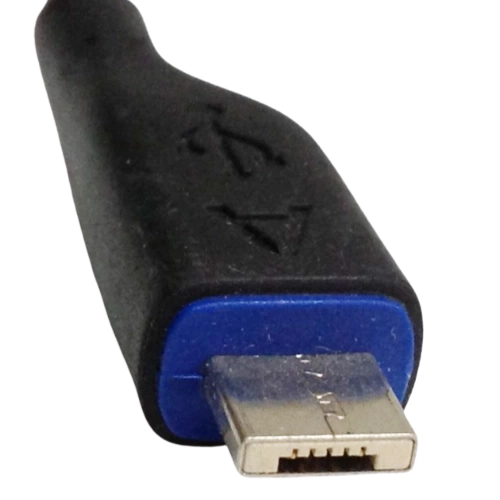
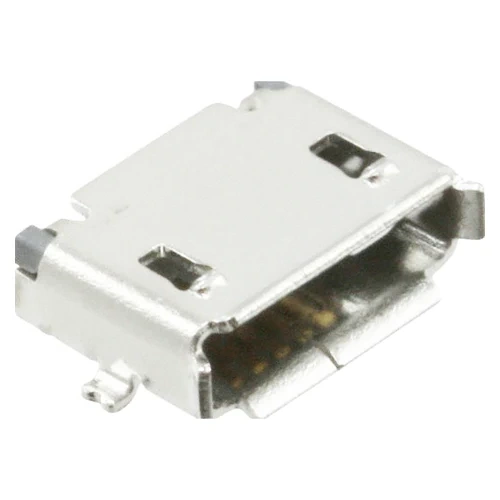
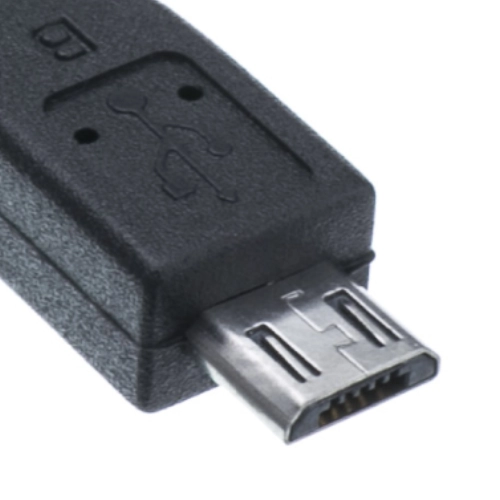
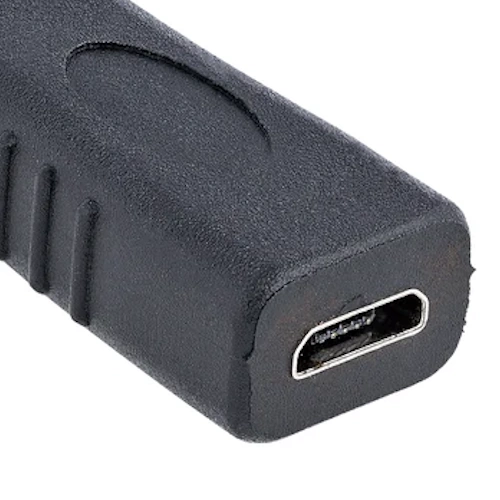
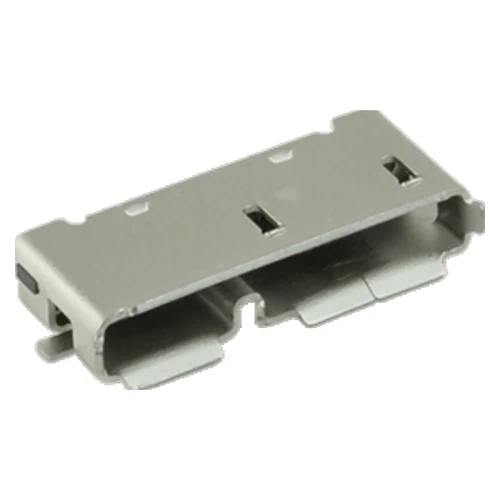
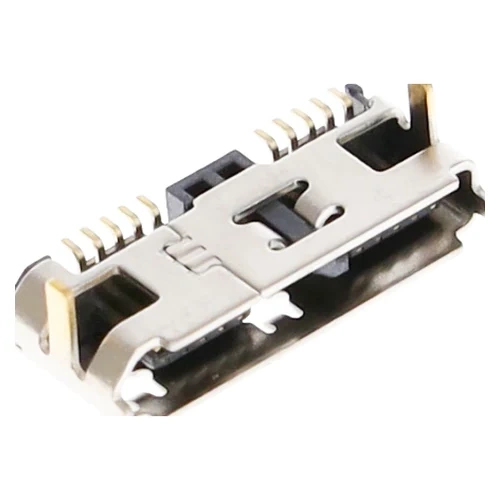
USB Connector Types
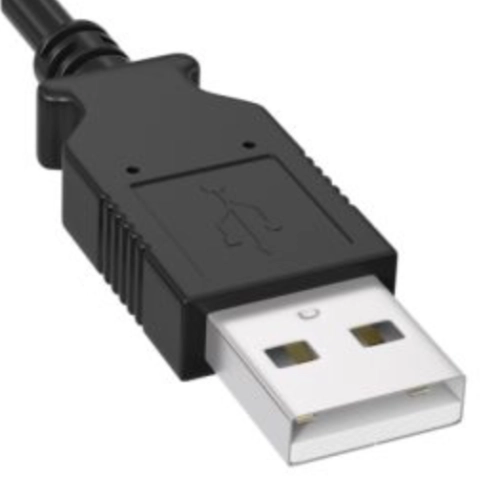
| Plug (Male) |
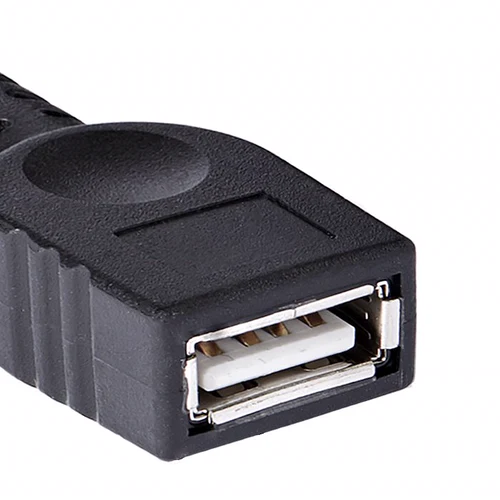
Receptacle (Female) |
Name | Pins | Plug Size
(width × height, mm) |
Insertion Cycles |
|---|---|---|---|---|---|
|
|
Type-A | 4 | 12.0 × 4.5 | 1,500 |

|
|
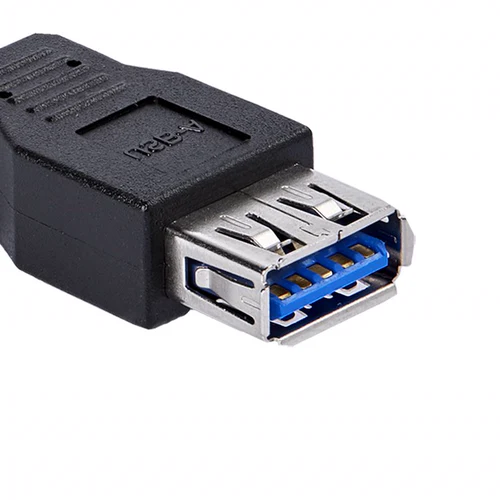
Type-A (USB 3.x) |
9 | ||
|
|
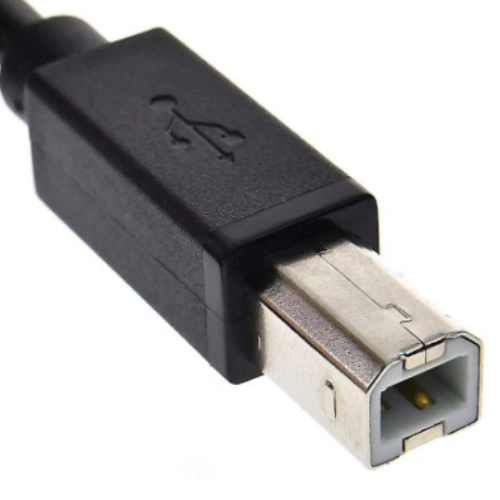
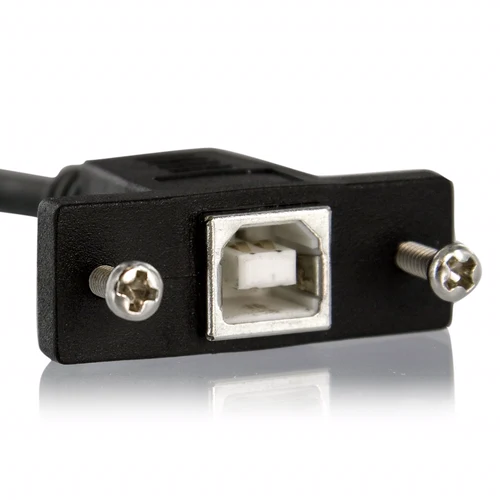
Type-B | 4 | 8.0 × 7.25 | |

|
|
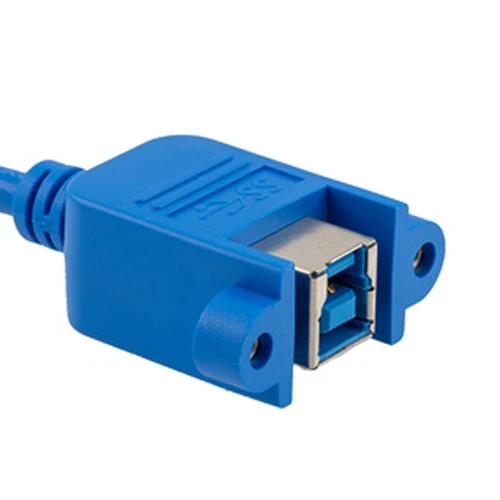
Type-B (USB 3.x) |
9 | ||
|
|
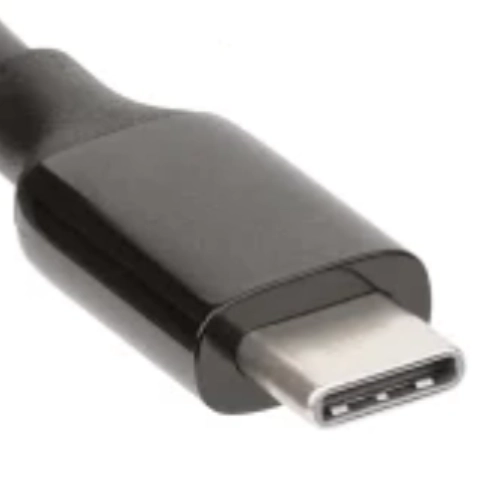
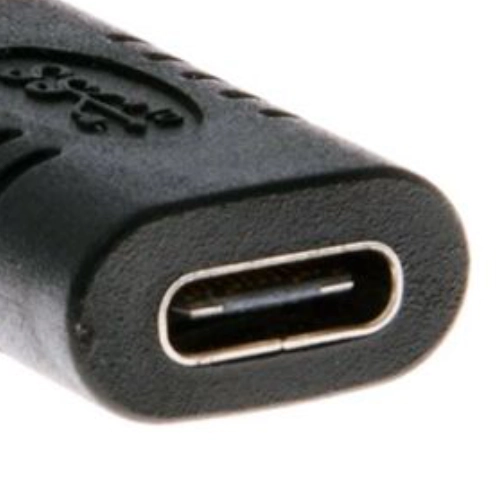
USB-C (reversible) |
24 | 8.25 × 2.4 | 10,000 |

|
|
Mini-A (deprecated) |
5 | ~ 7 × 3 | |

|
|
Mini-B | 6.8 × 3.0 | 5,000 | |
|
|
Micro-A | 5 | 6.85 × 1.8 | 10,000 |
|
|
Micro-B | |||

|
|
Micro-A (USB 3.x) |
10 | ~ 12 × 2 | |

|
|
Micro-B (USB 3.x) |
USB Power
A USB port can provide power in addition to data. While classic USB ports only deliver a few watts at 5 V, USB Power Delivery (USB-PD) allows the charger and device to negotiate a higher voltage via a USB-C cable, delivering up to 240 W of power; this power is sufficient to power laptops and monitors.
| Source | Voltage | Current | Power |
|---|---|---|---|
| USB-PD 3.1 EPR (Extended Power Range) |
up to 48 V | 5 A | 240 W |
| USB-PD SPR (Standard Power Range) |
up to 20 V | 100 W | |
| USB-C | 5 V | 1.5 A / 3 A | 7.5 W / 15 W |
| USB 3.x | 900 mA | 4.5 W | |
| USB 2.0 | 500 mA | 2.5 W |